Post by : Sami
Al-Rahmani
How to Undo an Email Sent in Error: Quick Solutions
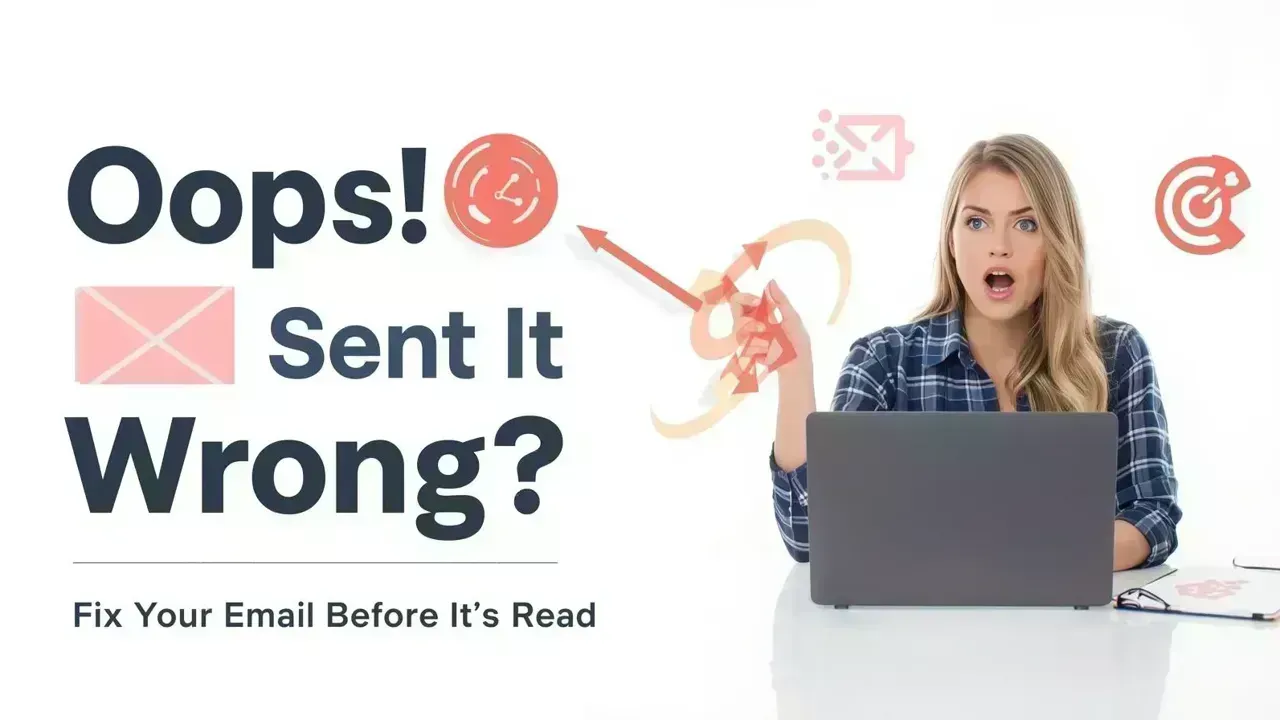
It can take mere moments to hit the send button and then instantly realize an error. Whether you've omitted an attachment, misaddressed it, or sent it to the wrong individual, that moment of dread is something everyone knows too well.
Luckily, current email services offer options to retrieve or halt a message, but success is highly dependent on timing and your email provider. Acting quickly is crucial.
How Does the “Unsend” Feature Actually Work?
Many users misunderstand that unsending an email equates to erasing it from the recipient’s inbox. In truth, most email platforms don’t operate that way.
What happens is that they provide a brief delay period right after you hit send, during which the email has not yet fully exited your account. Within this short timeframe, you can cancel the action and stop the email from being sent.
Once this period ends, the email is sent—putting you in a limited position.
Halting an Email in Gmail
If you’re using Gmail, you’ll see a notification pop up right after you dispatch an email. This includes an “Undo” button that you can click to halt the message immediately.
By default, this option lasts only for a few seconds, but you can extend that limit in the settings. Changing it to 20 or 30 seconds significantly increases your chances of catching mistakes before the email is sent.
This straightforward setting is one of the simplest ways to minimize email regrets.
Retrieving an Email in Outlook
With Microsoft Outlook, the process varies slightly. Instead of an “undo” option, it features a recall function.
This allows you to make an attempt to retrieve an email you've already sent, but it only works under certain conditions:
- Both the sender and the recipient must be using Outlook from the same organization
- The email must remain unread
- Specific settings need to be enabled
If everything falls into place, you might be able to substitute the original message with a corrected one. However, if the recipient has already viewed it, your recall will not be successful.
What to Do If the Email Has Been Sent?
If the window to halt the email has passed, don’t fret—there are still strategies to navigate the situation professionally.
Sending a quick follow-up message is the best course of action. A concise apology along with the correct details can rectify most situations.
If you mistakenly emailed someone else, kindly ask them to ignore or delete the email. While you can’t enforce this, many people will be understanding and comply.
Frequent Mistakes in Sending Emails
Common email blunders often stem from simple oversights.
Here are some frequent errors:
- Choosing the incorrect contact from suggestions
- Forgetting to include crucial attachments
- Sending incomplete or vague messages
- Rushing through without careful review
- Including wrong information
These are easy to commit, especially while multitasking or feeling rushed.
Preventing Email Errors: Simple Practices
Adopting a few small habits can help you avoid these predicaments in the future.
Always double-check the recipient's email address prior to sending; this is a frequent source of errors.
Take a moment to review your email. This helps catch typos, missing info, or ambiguous language.
You might also utilize features like scheduled sending, allowing you to postpone your email and have a second look before it goes out.
One effective tactic is attaching files before composing the email, which minimizes the risk of forgetting them.
Why Timing is Crucial
When it comes to rectifying email errors, acting swiftly is paramount. The faster your response, the greater the chance of stopping the message or lessening its repercussions.
Even if you cannot reverse the email, sending a prompt correction showcases professionalism and accountability.
Delaying can lead to confusion or misunderstandings, especially in workplace communications.
Useful Tools to Assist You
Modern email platforms present additional safety features that can help prevent mistakes.
These include:
- Options for delayed sending
- Notifications for missing attachments
- Email tracking functionalities
Utilizing these tools can enhance your control and decrease the likelihood of accidental errors.
Disclaimer
This content is for general informational purposes only. Email features like undo and recall may differ by platform and may not always function after a message is sent or opened. Always review emails thoroughly before sending.
FAQs
Can I retract an email sent long ago?
No, most services only permit cancellations within a few seconds of sending.
Will the recipient be notified if I cancel an email?
No, if you stop it in the designated timeframe, it won’t enter their inbox.
Is recalling an email completely foolproof?
No, recall is conditional and may fail if the email has already been viewed.
What actions should I take after sending a mistaken email?
Send a swift correction or apology message to clarify any mistakes.
Are email errors completely avoidable?
Not entirely, but a careful review and employing delay features can significantly reduce them.


 English