Post by : Sami
Al-Rahmani
Access Your Laptop Files Remotely and Work Securely from Anywhere
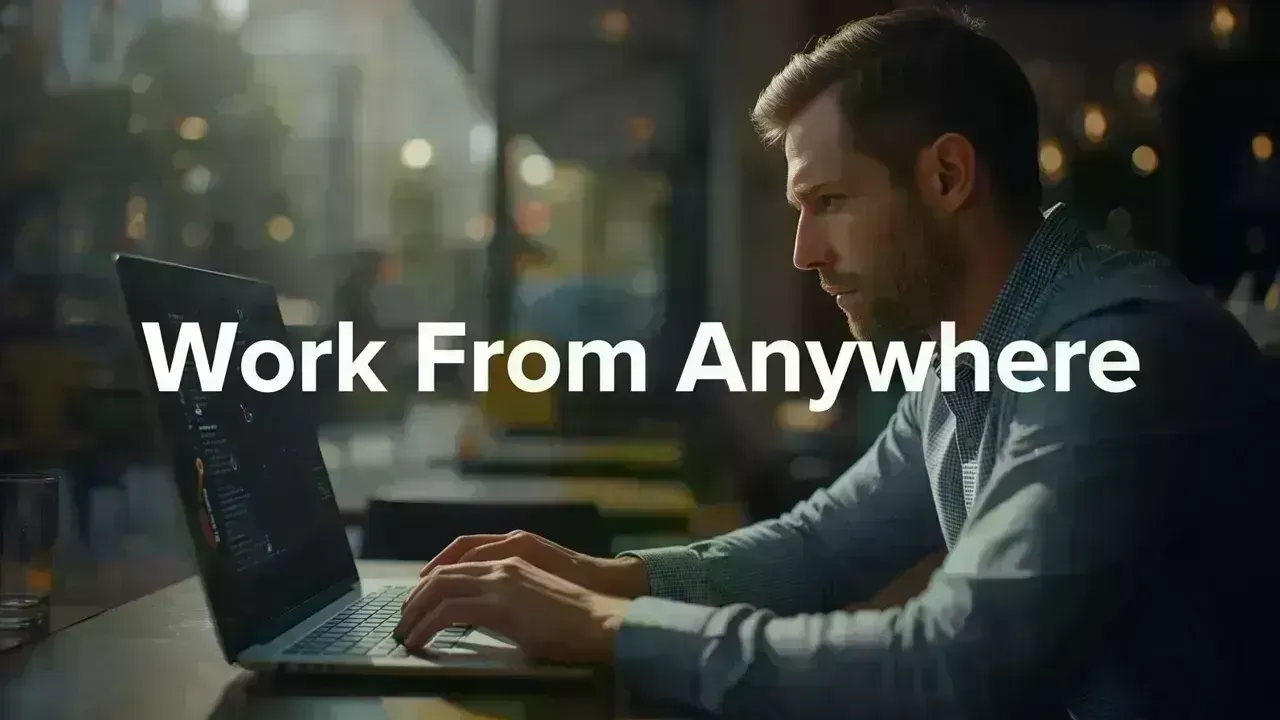
In today’s fast-paced world, being tethered to one device or location is outdated. Whether you find yourself traveling, working from home, or addressing urgent tasks on the move, having remote access to your files has become essential. Yet, the convenience should never trade off with security. Many users leverage remote access tools without knowing the potential risks, which may jeopardize sensitive information. Fortunately, with the right settings, you can achieve secure remote access to your laptop files while safeguarding your data.
Understanding Remote Access and Its Importance
Remote access enables you to control your laptop from another device—be it a phone, tablet, or another computer—just as if you were physically there. This functionality allows you to open files, run applications, and manage tasks from virtually anywhere.
In the flexible work environment of today, working remotely is a necessity rather than a luxury. Whether you’ve forgotten a crucial document at home or need to finalize a project while traveling, remote access ensures you're always connected to your work.
Top Methods for Remote Access to Laptop Files
1. Utilize Remote Desktop Software for Full Control
A reliable way to access your laptop remotely is through remote desktop software, which lets you control your laptop from another device. Tools like Chrome Remote Desktop and Microsoft Remote Desktop are popular choices.
These tools provide access to your entire system—not just files—making them a great choice for professionals who require comprehensive functionality. Once connected, you can utilize your laptop just as you would in person.
2. Cloud Storage for Simplified File Access
If full system control isn’t necessary, cloud storage offers a more straightforward solution. Platforms such as Google Drive and Dropbox enable you to upload and access files from anywhere.
This method is particularly helpful for documents, images, and smaller projects, also serving as an additional backup layer to ensure file safety even when your device is unreachable.
3. Automatic File Syncing for Consistency
File syncing tools automatically refresh files across your devices. This means any alterations made on your laptop are instantly reflected on your other devices.
This strategy is ideal for users who frequently switch between devices and need real-time access without manual transfers. It saves time and minimizes the risk of working with outdated versions.
Basic Steps to Set Up Remote Access
Establishing remote access is simpler than it seems. Start by installing a trusted remote access tool on your laptop and signing in to your account. Next, enable remote access and establish a strong password or PIN.
Then, install the same application on the device you wish to use for connection. Once linked, you can securely access your laptop whenever necessary. This straightforward setup facilitates secure remote desktop access without complex processes.
Significant Security Issues to Consider
Despite the convenience of remote access, risks can arise if not managed appropriately. Issues like unauthorized access, weak passwords, and insecure networks can compromise your data.
Using public Wi-Fi without security measures is among the top pitfalls. Hackers can intercept data and gain access to sensitive information. Understanding these risks is critical to protecting your system.
Effective Tips to Ensure Remote Access Security
Establish Strong Passwords and Enable Two-Factor Authentication
Always implement a strong password for remote access that is hard to guess. Activating two-factor authentication (2FA) provides an additional security level by requiring another verification step.
Avoid Public Wi-Fi or Utilize a VPN
Public networks are quite vulnerable. If necessary, consider using a VPN (Virtual Private Network) to encrypt your connection and protect your information.
Keep Your Software Current
Outdated software can harbor security vulnerabilities. Regular updates guarantee that your system is equipped with the latest security patches, thereby reducing the chances of attacks.
Log Out After Each Session
Leaving your session active can expose your system. Always log out after using remote access, especially on shared or public devices.
When to Choose Remote Desktop Over Cloud Storage
The decision between remote desktop and cloud storage hinges on your requirements. If comprehensive access to your laptop—including software and configurations—is essential, remote desktop is the superior choice. However, if only file access is required, cloud storage is quicker and easier.
Recognizing this distinction aids in selecting the most effective and secure file access method according to your needs.
Prioritizing Security in Remote Work
With remote work becoming increasingly prevalent, security considerations have never been more critical. Accessing files from various locations amplifies the risk of data exposure if the right precautions aren't taken.
By adhering to secure practices, you can reap the rewards of remote work without jeopardizing your information. A security-first approach to remote work guarantees long-term safety and peace of mind.
Work Efficiently and Stay Secure
Remote access is a valuable resource that provides you with the flexibility and freedom to operate. However, with this freedom comes responsibility. Implementing the correct tools and following fundamental security protocols allows you to work from any location without concern.
In today’s digital landscape, the aim isn't mere convenience—it’s about secure and effective remote work. When you find harmony between the two, you establish a system that genuinely enhances your productivity.
Disclaimer
This article serves informational purposes only and offers general guidance on remote access tools and security measures. Users should confirm software configurations, security features, and network safety prior to enabling remote access. Individual setups may differ based on devices, operating systems, and usage. Always comply with official guidelines and cybersecurity best practices to protect your information.


 English